How to choose the best bill tracker spreadsheet?
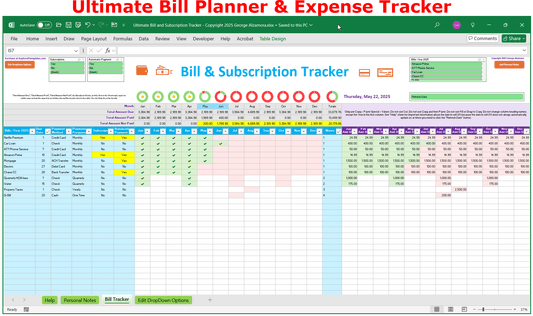
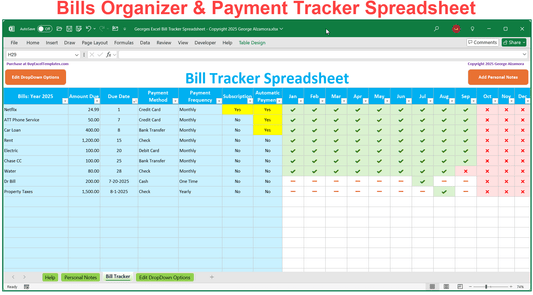
The best bill tracker spreadsheets eliminate the anxiety of missing due dates by creatively using a combination of charts, check marks, and visual indicators to display your monthly bill due, bills paid, and unpaid bills so you know exactly where your money is going.
The bill payment tracker should filter bills by due date, payment status, payment method and subscription status giving you instant analysis of your expenses. Utilizing a bill tracker spreadsheet helps you map out your upcoming cash flow needs to protect your credit score from expensive late fee penalties, and lower your credit utilization.
- Best Budget-Friendly Option: Our streamlined Excel Bill Tracker Spreadsheet provides a clean, highly visual monthly bill checklist layout with paid vs unpaid status for under $5.
- Best Overall Bill Tracker: The premium Bill Planner serves as an advanced dashboard that balances monthly bill payments alongside a subscription tracker.
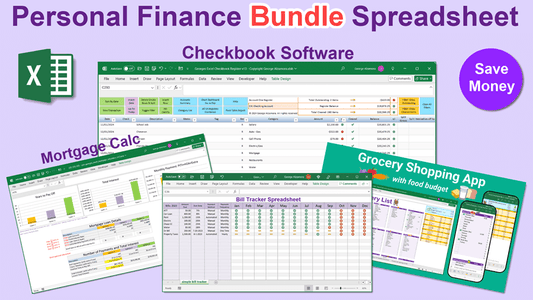
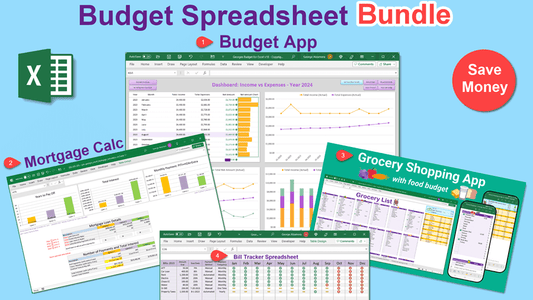
- Best Bill Tracker Bundle: Our Personal Finance Bundle Spreadsheet seamlessly integrates our top money management spreadsheets into one spreadsheet tool.
Printable Bill Trackers
These simple printable bill trackers help you pay your bills on time, avoid late fees, and improve your financial wellness.
Eliminate stress with these easy-to-use spreadsheet tools that can track any type of bill such as credit card bills, doctor bills, insurance bills, and recurring subscription fees. Whether your bill is recurring monthly, quarterly, yearly or a one-time bill, the bill tracker can keep you financially organized.