Spreadsheet Overview
Simple bookkeeping software to help you manage your small business finances. The bookkeeping spreadsheet is a great tool to help you record your business income and business expenses. The bookkeeping spreadsheet automatically creates beautiful reports such a income statements (P/L statements), category based spending reports, vendor based spending reports, and reports to see your net income, whether you are making a net profit or net loss. The accounting software is for small businesses who use the cash basis for accounting and taxes.
Top features of the bookkeeping software:
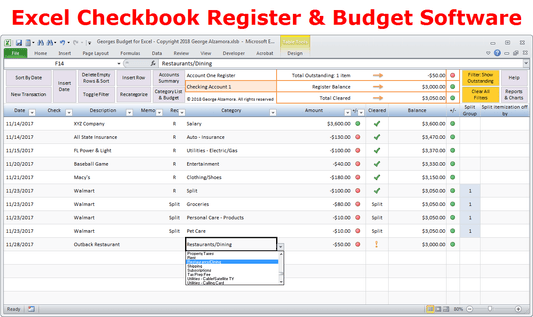
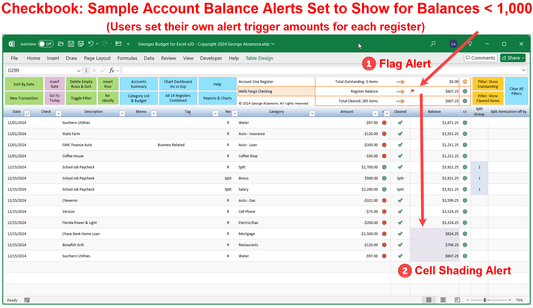
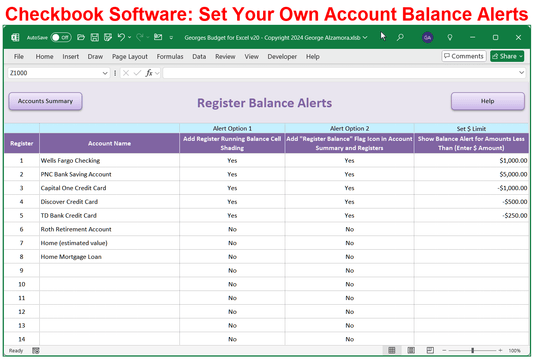
- The spreadsheet business bookkeeping software allows you to keep track of 14 business accounts including business checking accounts, business savings accounts and credit card accounts in the Excel registers.
- Record business income and business expenses in one of the 14 accounts registers depending on which account is impacted.
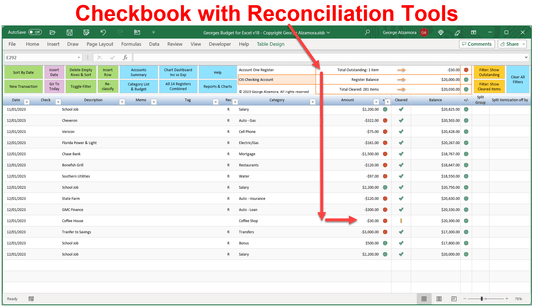
- Tools to help you reconcile your bank accounts and credit card accounts to make sure your accounts are in balance
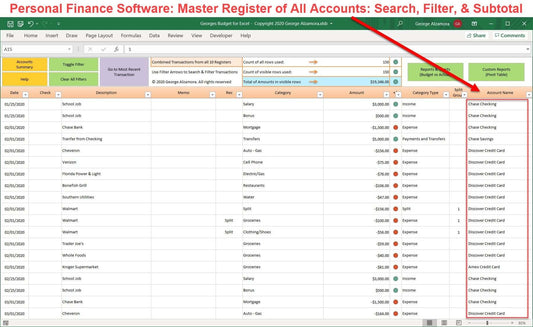
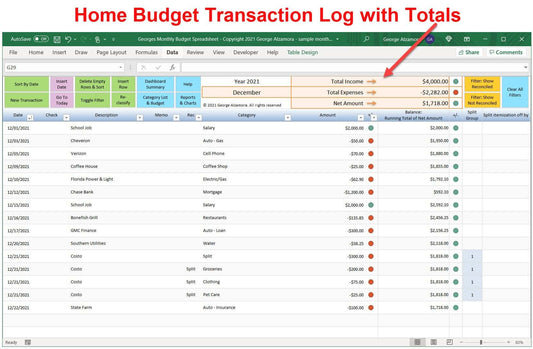
- Includes a Master Register that automatically combine all your transactions from the individual 14 accounts so that you can search and filter for transactions in a single register from all your accounts.
- Each register can filter and get subtotals.
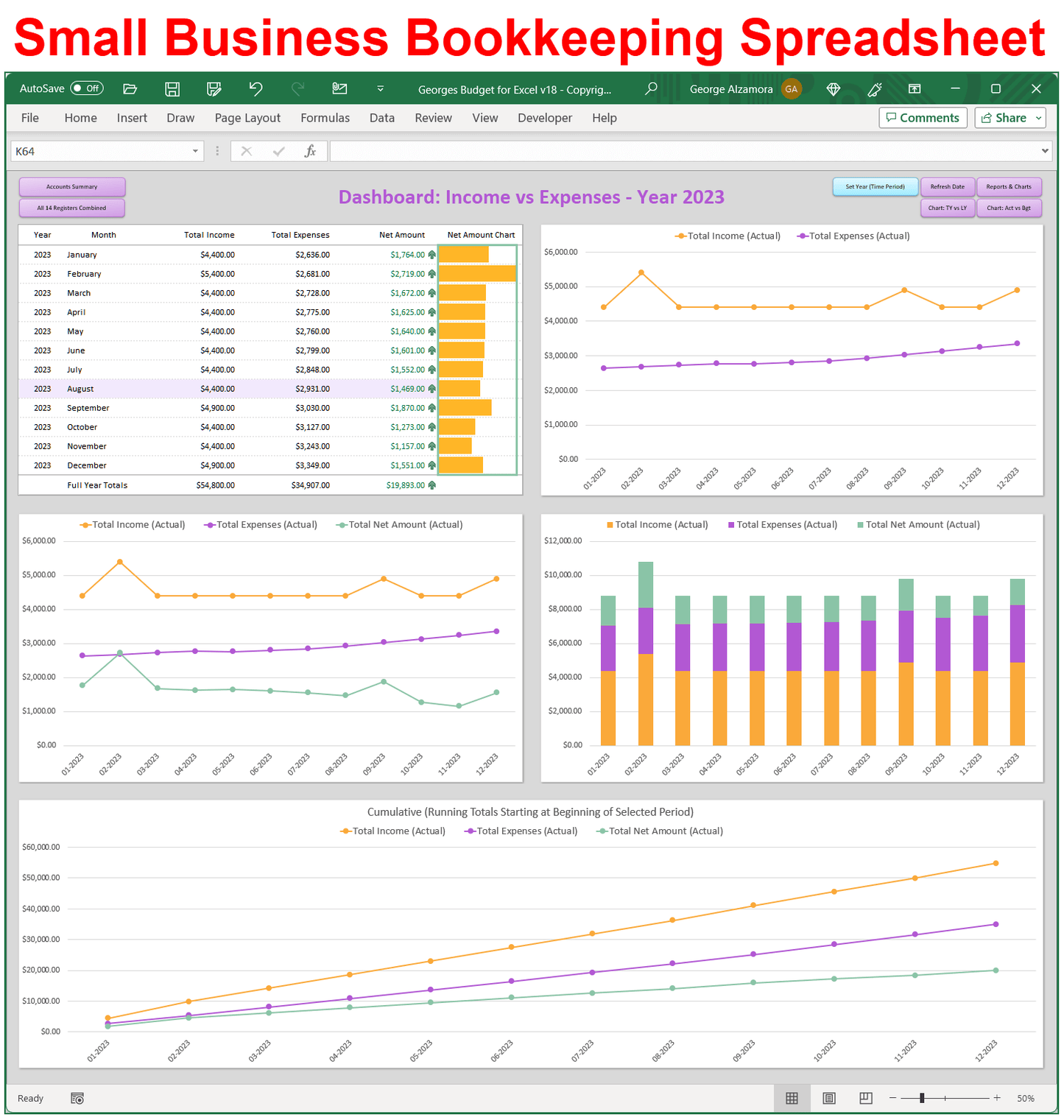
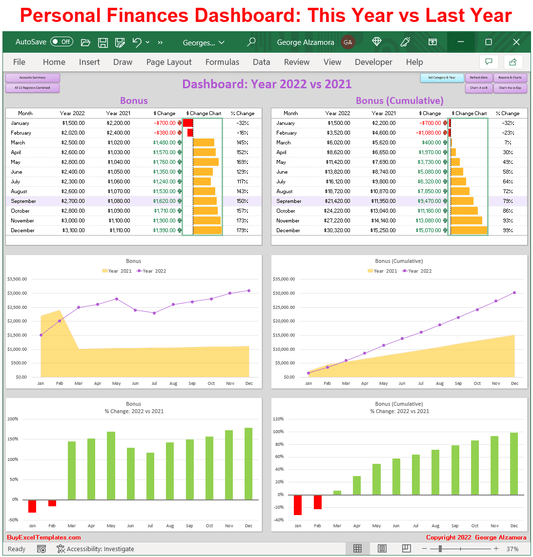
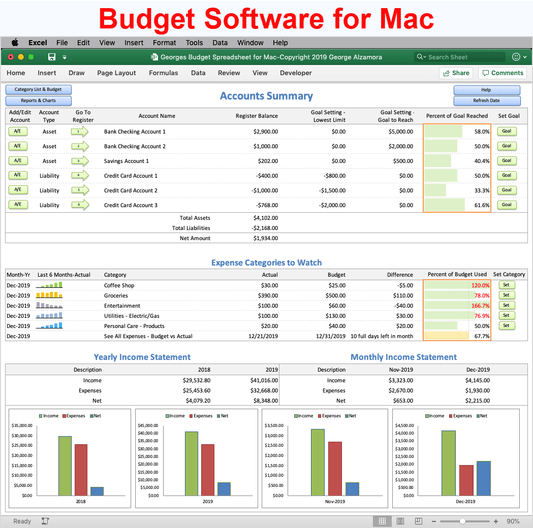
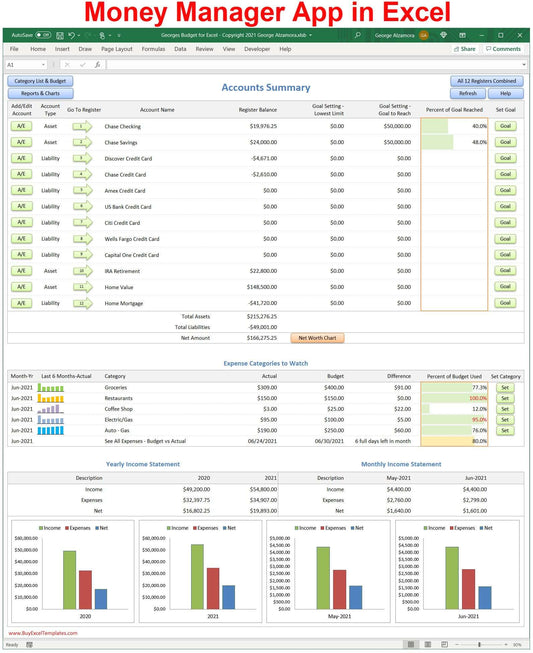
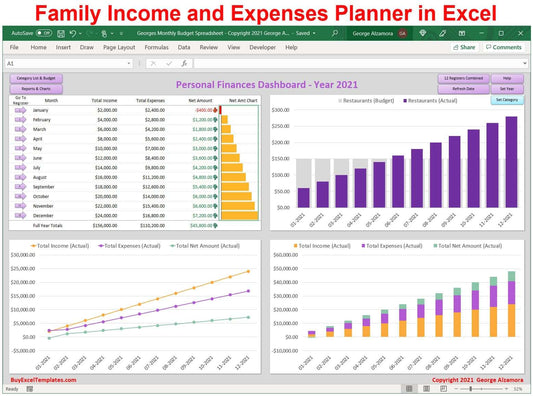
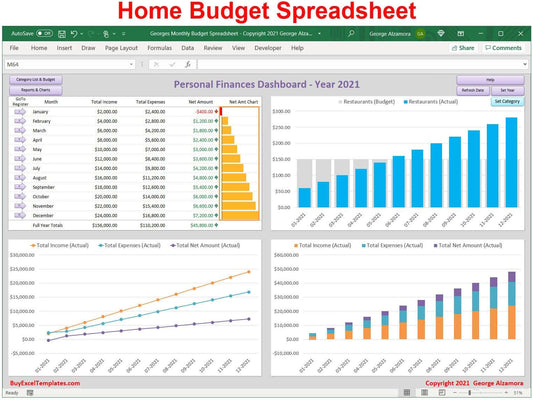
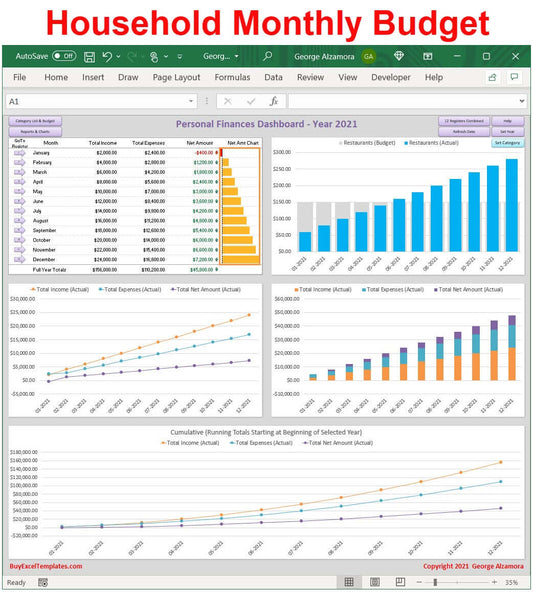
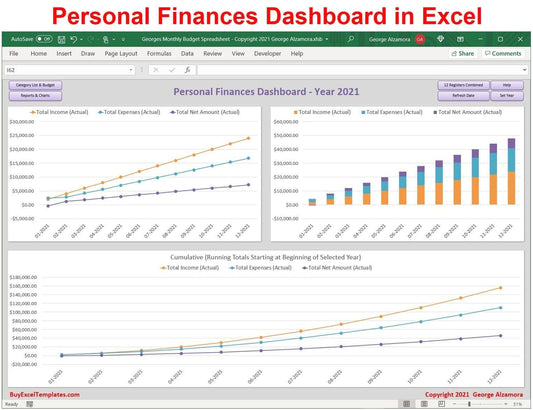
- Includes several Excel dashboards focusing in on account balances and income and expenses.
- Automatic reports: The business software automatically created monthly and year income statements (income vs expense reports) based off the transactions that you enter into the registers.
- Custom reports: There are custom pivot table reports that instantly create reports based on the data in the registers but you can also customize the reports. For example, you can create a spending report of total expenses on a quarterly basis.
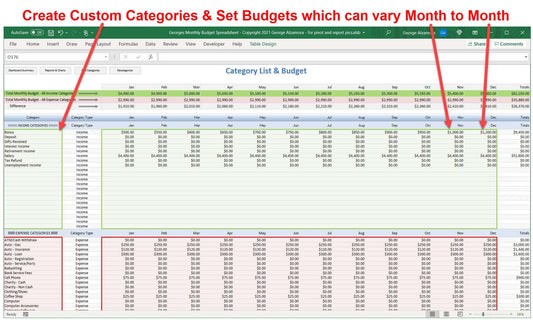
- You can create your own categories that you assign to transactions. You can add up to 50 income categories to track your business revenues and sales and up to 200 expense categories to track your business expenses.
- Business account transactions can be split into multiple categories giving you greater flexibility to accurately tag your income and expenses to the appropriate categories for best bookkeeping practices.
- The business bookkeeping software is designed for small business such as the self employed, unincorporated freelancers, single person LLC business (small businesses that are not incorporated) who use the cash basis of accounting to manage their finances. For example, an individual who is self employed and runs a maid cleaning service who paid in cash on the day the cleaning services are performed.
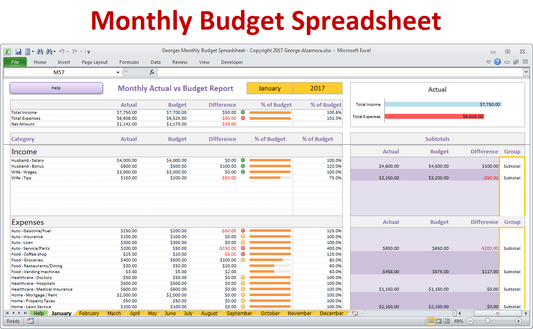
- The bookkeeping software for self employed allows you to set a monthly budget for each income and expense category so you can compare you monthly budget to actual income and expenses. Easily budget your business expenses for the entire year to help keep you organized and develop a business budget plan.
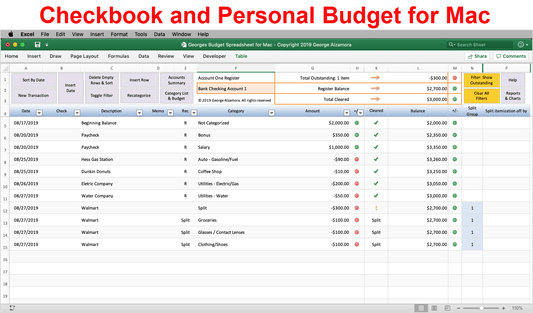
- The bookkeeping software is a great way to manage your business checkbook using an Microsoft Excel checkbook register.
- The small business bookkeeping is simple checkbook software where you can tag each transaction with a custom category and quickly create business income vs expenses reports.
System Requirements
-
Windows PC Computer: Compatible with Microsoft Excel 2021, 2024, or Excel for Microsoft 365.
-
Mac Computer: Works perfectly with Microsoft Excel 2021, 2024, or Excel for Microsoft 365.
-
Flexible Set Up: Save to and use solely on your local computer for maximum data privacy or use with OneDrive or Dropbox for anywhere access.
-
Formatting Note: Formatted with standard US Dollar signs ($) and traditional MM/DD/YYYY date entry fields.
-
Automation: This spreadsheet utilizes built-in Excel macros to automate and simplify your money management. After downloading the spreadsheet, see simple video instructions for how to enable macros in less than 60 seconds.
-
Software Note: Requires a full desktop version of Microsoft Excel installed on your computer. This spreadsheet is not compatible with Google Sheets, free browser-based Excel Online, Apple iPad, or mobile phone apps.