Spreadsheet Overview
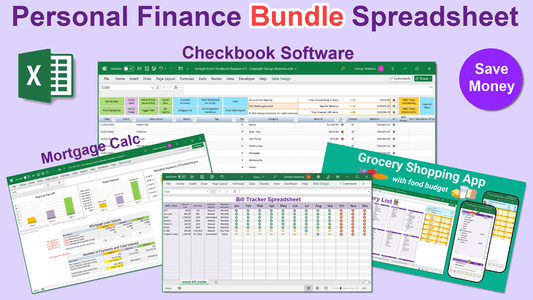
Georges Excel Checkbook Register v4: Checkbook app spreadsheet template has been our top selling checkbook template app that is easy to use and helps you manage your finances. It include 7 registers so you can track of up 7 financial accounts. The newer version of the Excel Checkbook app that allows for more accounts, more transactions and other new features is available here: "Georges Excel Checkbook Register v5".
Excel Checkbook Template Top Features:
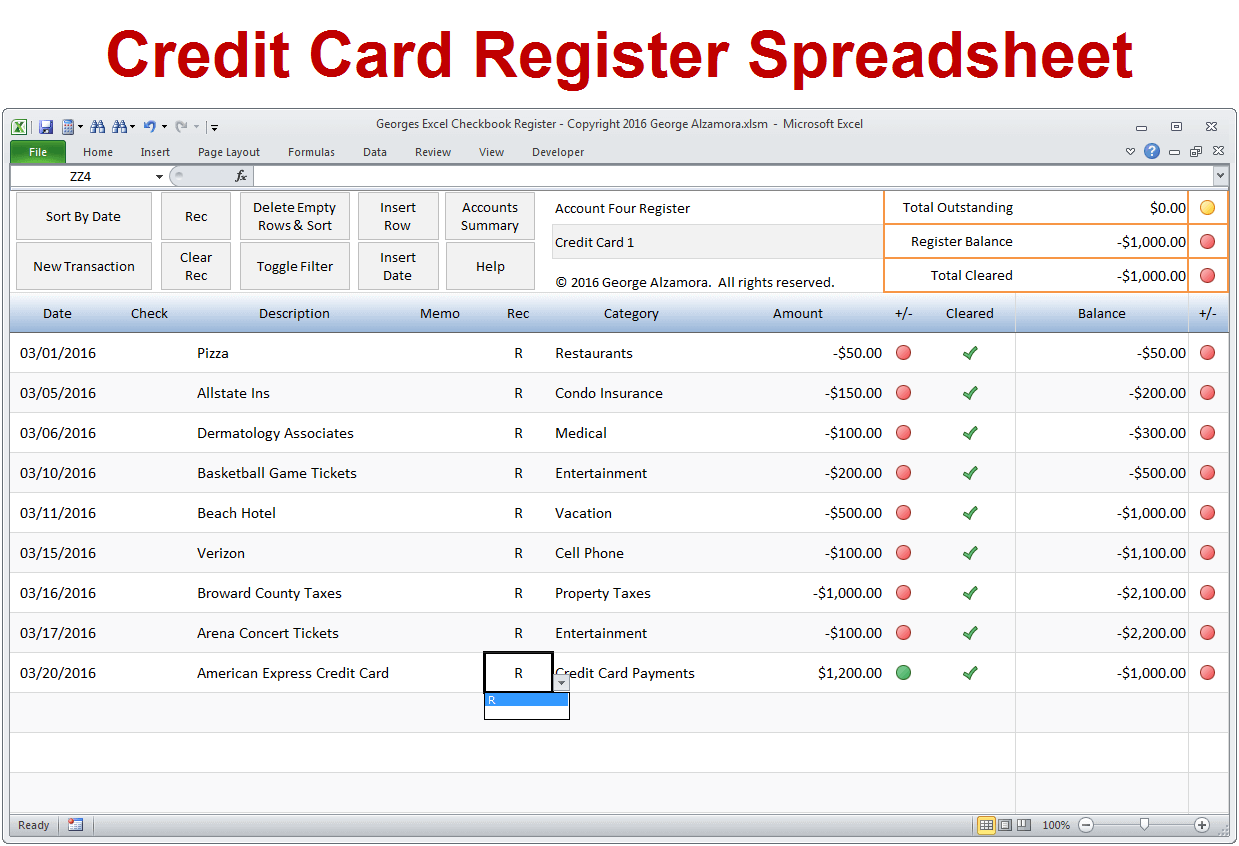
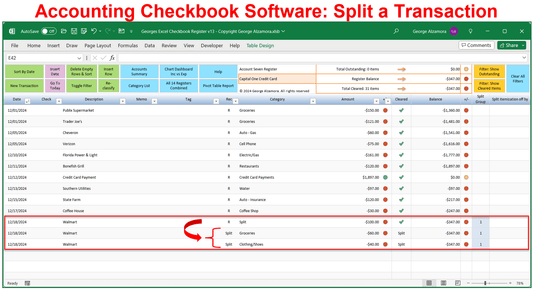
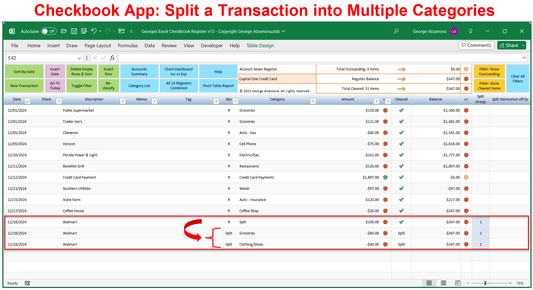
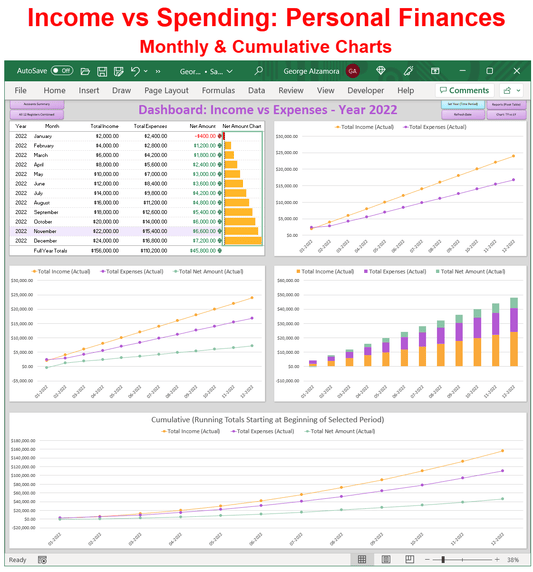
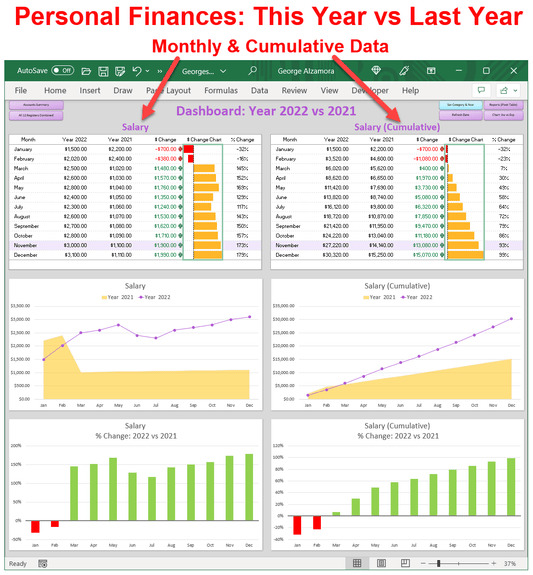
- By entering each deposit, purchase, and all your spending in the checkbook app registers, it helps you know register balance, see where you are spending your money and get a clearer picture of your personal finances.
- Manually import transactions via csv file that you can get from your bank or credit card company.
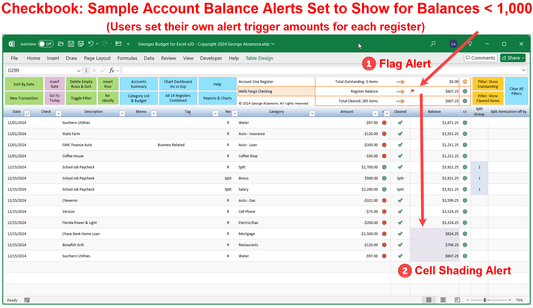
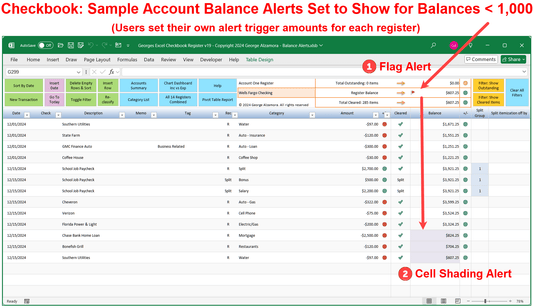
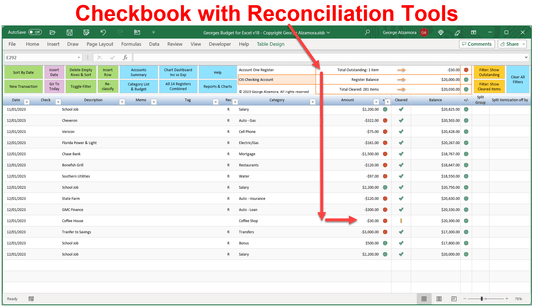
- Reconciling your bank account is made easier with the account reconciliation tools such a marking transactions a cleared / reconciled and providing a running register total, total outstanding transactions, and total cleared transactions in your registers.
- Each register, where you use it to track your checking account or credit card account can have up to 1500 transactions.
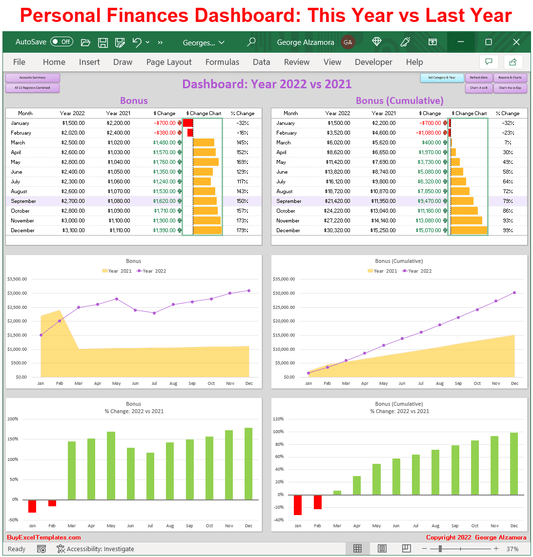
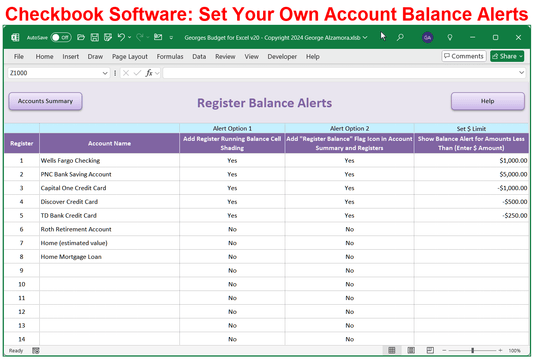
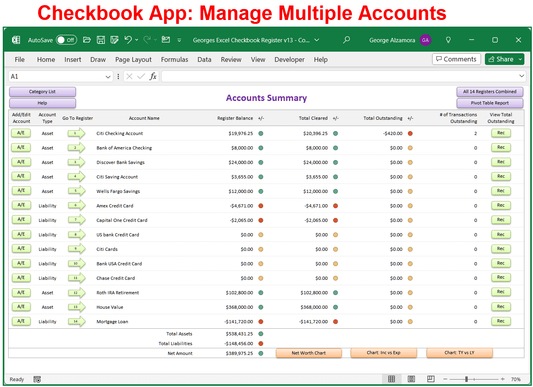
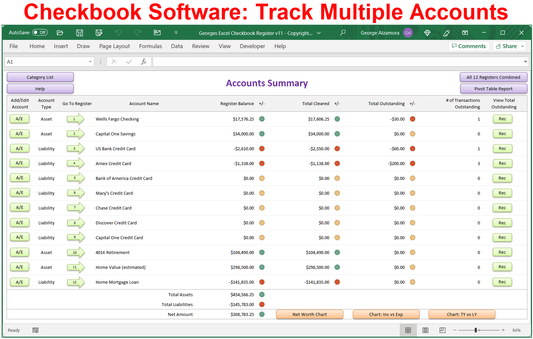
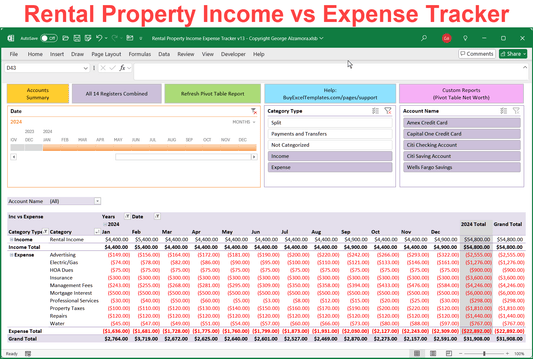
- See financial summary of all your accounts showing your total assets, totals liabilities (debts such as credit card debt) and net worth based of the balances of the 7 register accounts..
- Use the power of Excel to handle all your addition and subtraction of transactions thus helping minimize potential errors and allowing you to spend less time organizing your finances.
- Access your data anywhere when used in conjunction with Microsoft OneDrive or Dropbox as long as you access the file from a computer that you own and place the Excel file in a password protected folder so only you have access to the file. This is a feature that you have to set up yourself but it is great option for those who want access away from the home computer.
- Georges Excel Checkbook Register is a digital download which you can download after you have made your purchase of the checkbook app.
System Requirements
-
Windows PC Computer: Compatible with Microsoft Excel 2010, 2013, 2016, 2019, 2021, 2024, or Excel for Microsoft 365.
-
Mac Computer: Works perfectly with Microsoft Excel 2016, 2019, 2021, 2024, or Excel for Microsoft 365.
-
Flexible Set Up: Save to and use solely on your local computer for maximum data privacy or use with OneDrive or Dropbox for anywhere access.
-
Formatting Note: Formatted with standard US Dollar signs ($) and traditional MM/DD/YYYY date entry fields.
-
Automation: This spreadsheet utilizes built-in Excel macros to automate and simplify your money management. After downloading the spreadsheet, see simple video instructions for how to enable macros in less than 60 seconds.
-
Software Note: Requires a full desktop version of Microsoft Excel installed on your computer. This spreadsheet is not compatible with Google Sheets, free browser-based Excel Online, Apple iPad, or mobile phone apps.